Skip to content

Afteo for Gates & shutters

A stuck gate?The right record, straight away.

Identify the motor, receive a clear description of the issue and schedule repairs for gates and roller shutters.

Motorised gate

Digital passport example

Motorised gate

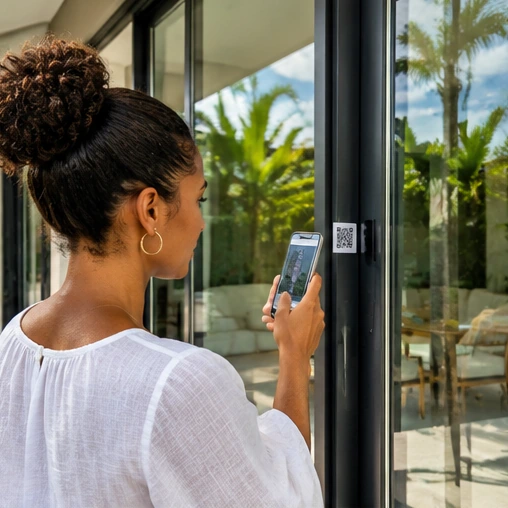
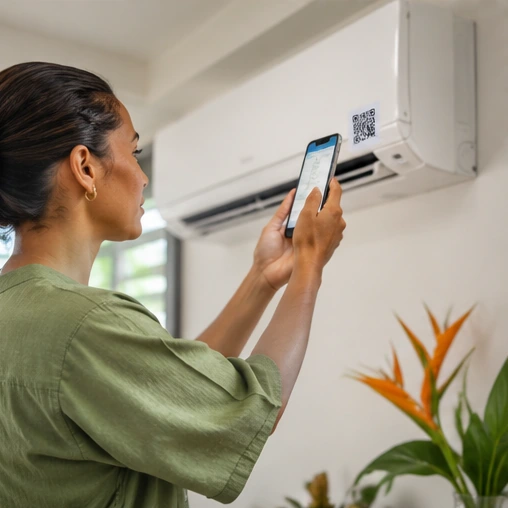
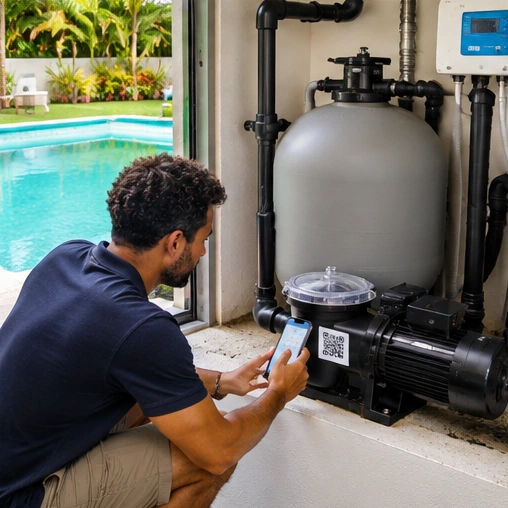
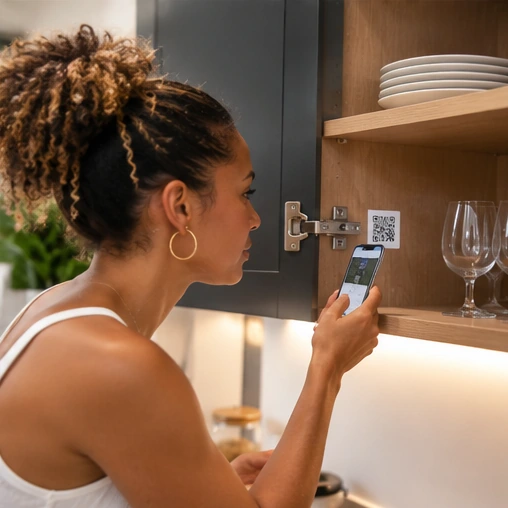
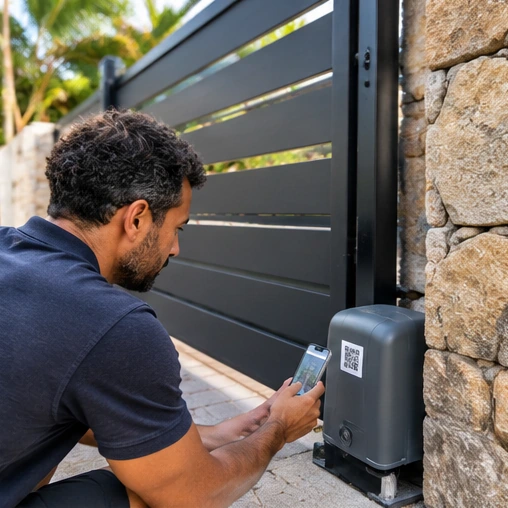
One item. One QR code.

From QR code to your support team in seconds.

A complete request, in the right place.

Gates & shutters — Motorised gate — Motor not responding

New support request

To review
Motor not responding

Customer · Mme Bénard

Customer address 2 Impasse des Tamarins, La Possession · Fictional example

Directions
Commissioning
6 June 2023
Warranty
Warranty expired
Request received
Today · 08:17
Reference
MOT-SLIDE-500

Next step

Check the gate motor

Concrete benefit

Motor type and remote already identified
Fictional demo data: customers, addresses and references are made up.

Digital equipment passport

Everything about the equipment in one place, for the customer and for your technicians.

Motorised gate

MOT-SLIDE-500 · Warranty expired

Equipment
Motorised gate
Reference
MOT-SLIDE-500
Serial number
SN-MTR-22504
Commissioning date
6 June 2023
Installed by
Portails Premium
Warranty
Warranty expired on 6 Jun 2026
Next maintenance
Offer an annual plan
Linked documents
Manual, invoice, warranty

History and notifications

  1. Motor not responding

    08:17 · Photo and note received.

  2. Record identified

    Motor instruction manual

  3. Service visit to prepare

    Periodic inspection and servicing

  • New support notification

    08:17 · New request to review.

  • Customer confirmation

    08:17 · We received your request.

Before travel
Motor type and remote already identified
Request ready to process
Check the gate motor

Fictional demo data: customers, addresses and references are made up.

Picture Afteo in your daily work.

Three real-world situations, one workspace.

  1. 1 · Report an issue

    Motor not responding

    Illustrative example · Motorised gate

  2. 2 · Access information

    Motor instruction manual

    Illustrative example · Motorised gate

  3. 3 · Prepare a service visit

    Periodic inspection and servicing

    Illustrative example · Motorised gate

Identify the motor before the visit.

Find the model, documents and previous service visits without starting over.

Try your support workflow

Simple plans that grow with you

Choose the plan that suits your business.

Essential

Everything to get started

€49excl. tax / month

Billed monthly

  • Up to 100 pieces of equipment
  • QR codes included
  • Service requests
  • Customer portal
Start a free 14-day trial

Pro

Manage your after-sales service

Recommended

€99excl. tax / month

Billed monthly

  • Up to 500 pieces of equipment
  • All Essential features
  • Service visits and scheduling
  • Maintenance contracts
  • Activity analytics
Start a free 14-day trial

Business

For growing businesses

€199excl. tax / month

Billed monthly

  • Unlimited equipment
  • All Pro features
  • Multiple teams and permissions
  • Integrations (ERP, CRM…)
  • White label and custom domain
  • Dedicated support
Start a free 14-day trial

Your questions about Afteo

Do my customers need to download an app?

No. The QR code opens a web page directly on their smartphone.

Can I identify equipment that is already installed?

Yes. Create a record for each new or existing item, then assign it a QR code.

Can I try the workflow before signing up?

Yes. The demo lets you simulate a request and its handling. Data stays local in this version.

Ready to modernise your after-sales support?

One platform, adapted to your equipment and daily work.